
Knowledge
3-step troubleshooting method to quickly locate the root cause of the fault (II)
1.1 check oscilloscope basic settings
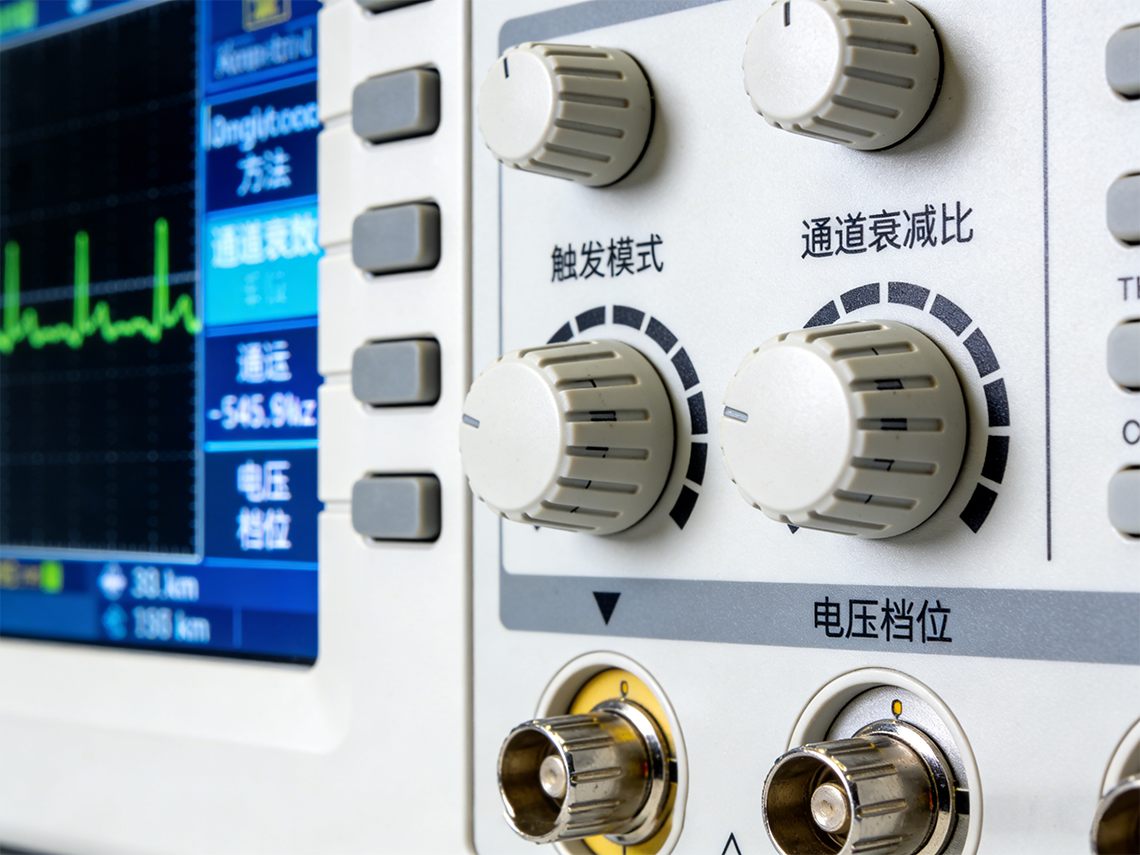
No signal display, many times it is not a device failure, but a "false fault" caused by improper basic settings such as trigger mode, attenuation ratio, channel switch, etc ". For example, the trigger mode is set to "normal" but the trigger level is too high, the waveform can not be stable trigger;
The probe uses 10X gear but the oscilloscope channel is set to 1X, and the signal amplitude is erroneously amplified by 10 times, which is beyond the screen display range and is easily mistaken for no signal.
Troubleshooting and Resolution:
● The trigger mode is switched to "automatic trigger", which forces a small amplitude signal to be triggered, and quickly determines whether it is a trigger setting problem.
● Confirm the probe attenuation file (1X/10X/100X), and set the attenuation ratio synchronously in the corresponding channel of the oscilloscope to avoid signal amplitude distortion.
● Check whether the channel is open, and adjust the voltage gear and time base appropriately to avoid signal "stealth" caused by too large range or too slow time base ".
1.2 check the connection between the probe and the oscilloscope and the circuit under test
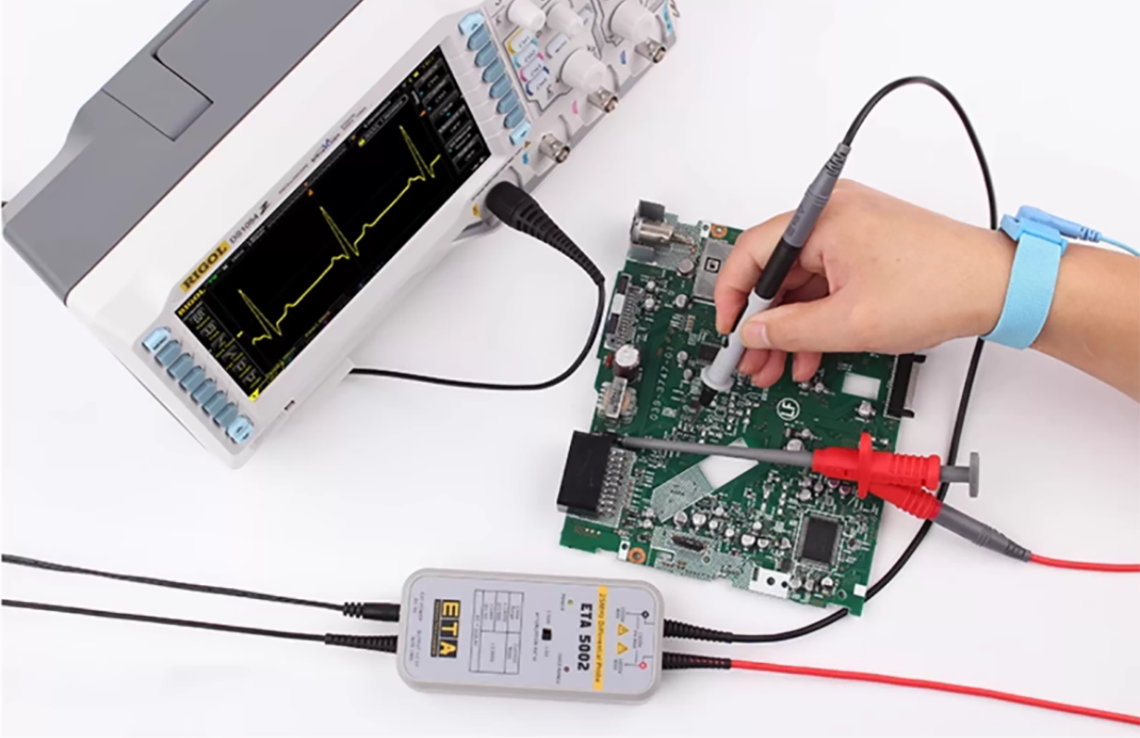
The BNC interface between the probe and the oscilloscope, the tip of the probe and the measured point, the grounding wire and the grounding point, any position of poor contact or locking is not in place, will lead to signal transmission interruption.
Troubleshooting and Resolution:
● BNC connector is aligned with the slot and twisted and locked to ensure tight insertion; It can be changed to other normal channels for testing to determine whether the original channel is faulty.
● The tip of the probe accurately contacts the pin/solder joint under test to avoid short circuit or signal crosstalk caused by touching adjacent pins.
● Confirm that the grounding wire is reliably connected to the "signal ground" of the circuit under test to avoid missing grounding steps or poor contact.
1.3 check whether the measured signal source is normal
If there is no problem in setting and connection and there is still no signal, focus on the measured signal source itself to check the problems such as the circuit is not powered on, the signal generator is not turned on, and the measured node has no signal output.
Troubleshooting and Resolution:
● Connect the probe with a known normal signal source (such as the CAL calibration end of the oscilloscope). If it can be displayed normally, it indicates that the probe and the oscilloscope have no fault and the problem is in the circuit under test.
● Check the power supply of the circuit under test and the working status of the core chip to confirm whether the signal source is normally output; Focus on checking whether there is open circuit, short circuit or device damage at the signal output node.